A moment, reimagined.
Use the front or rear camera to transform the scene as you move. On supported iPhones, TrueDepth or LiDAR adds measured depth to the formation.
 INTRODUCING AURAFORM
Turn your camera, photos and videos into luminous particle art. Shape flowing points, delicate plexus connections and crystalline surfaces. Make something entirely your own.
For iPhone · iOS 18 or later
01 Camera, photos & video
02 Points, connections & facets
03 Created on your iPhone
EVERYDAY INPUT. UNEXPECTED ART.
A face. A favourite frame. The room around you.
Find a new way to look at it.
Use the front or rear camera to transform the scene as you move. On supported iPhones, TrueDepth or LiDAR adds measured depth to the formation.
Choose an image and explore its contours as particles. Add movement, glow and colour; ordinary images can use on-device estimated depth for an artistic 3D interpretation.
Import a video and watch the effect follow each frame. Let its soundtrack drive the particles, then record your own rendered version to keep or share.
POINTS BECOME POSSIBILITIES
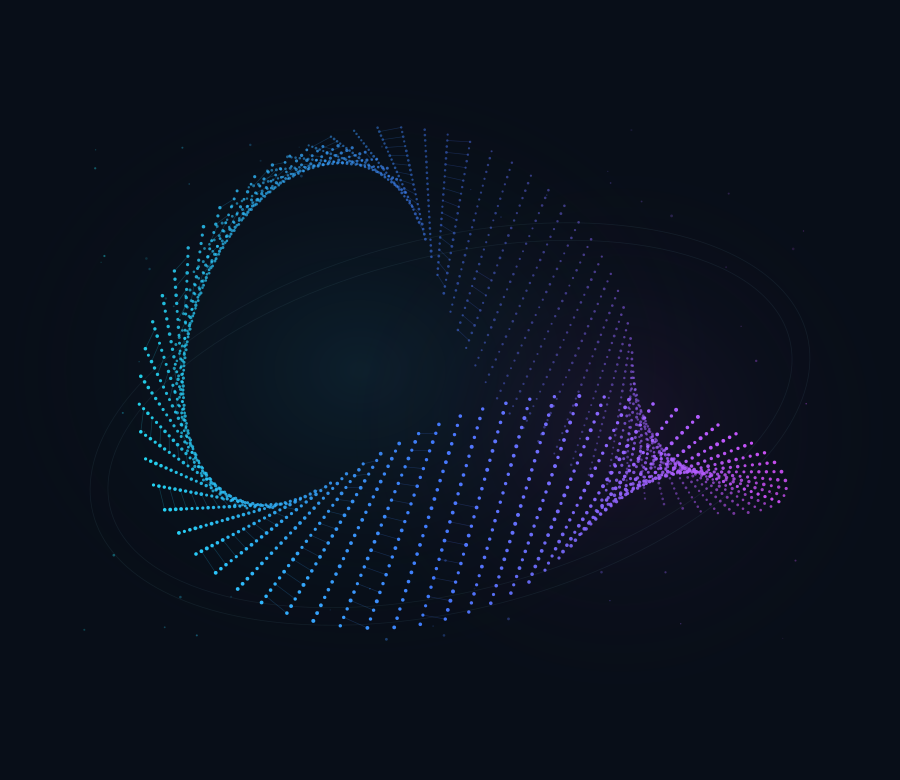
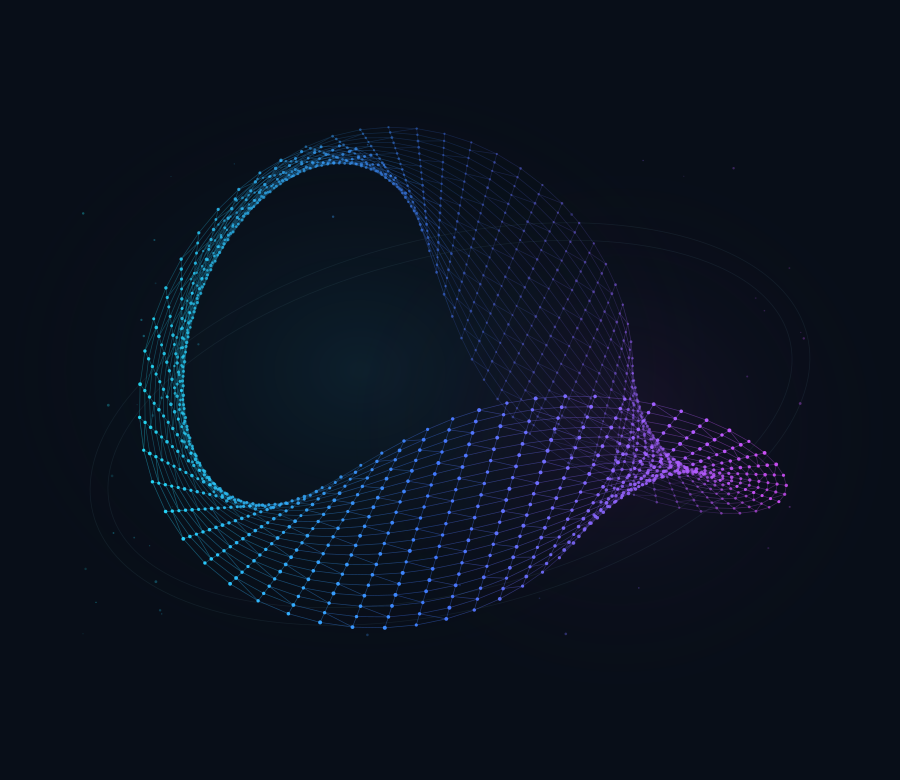
Keep it light and scattered. Connect the dots into a delicate web. Or build translucent, crystalline facets. The same source can take on a very different character.
FROM A GLIMPSE TO SOMETHING YOURS
Choose your source, tune the effect and save a rendered photo or video. Work in portrait or landscape, then share through the apps and destinations you choose.
Ask about AuraformLive camera, a photo, or a video from your library or files.
Explore colour, depth, connections and movement.
Capture the rendered effect as a photo or video, then save or share.
A FEW THINGS TO KNOW
No. Auraform works with photos, videos and camera imagery on iPhone with iOS 18 or later. Measured depth needs a compatible TrueDepth camera or rear LiDAR sensor. Ordinary imagery can use estimated depth, calculated on your iPhone.
TrueDepth and LiDAR provide measured depth where supported. Estimated depth gives an artistic sense of relative distance. A single view describes visible surfaces, not unseen backs or a complete room scan. Auraform is a creative tool, not a measuring or navigation instrument.
Camera, media, depth and sound processing run on your iPhone. Auraform does not upload your media to PhonicVibe and has no account, advertising or analytics trackers. Microphone response is optional. You control what you save or share; your device’s backup and Photos settings still apply. Read the privacy policy.
The core creative tools and Aurora, Ember and Glacier palettes are included in the free app. An optional one-time Gradient Pack adds more palettes and custom colours. There is no subscription. Auraform is preparing for its App Store release; the download link will appear here when it is available.